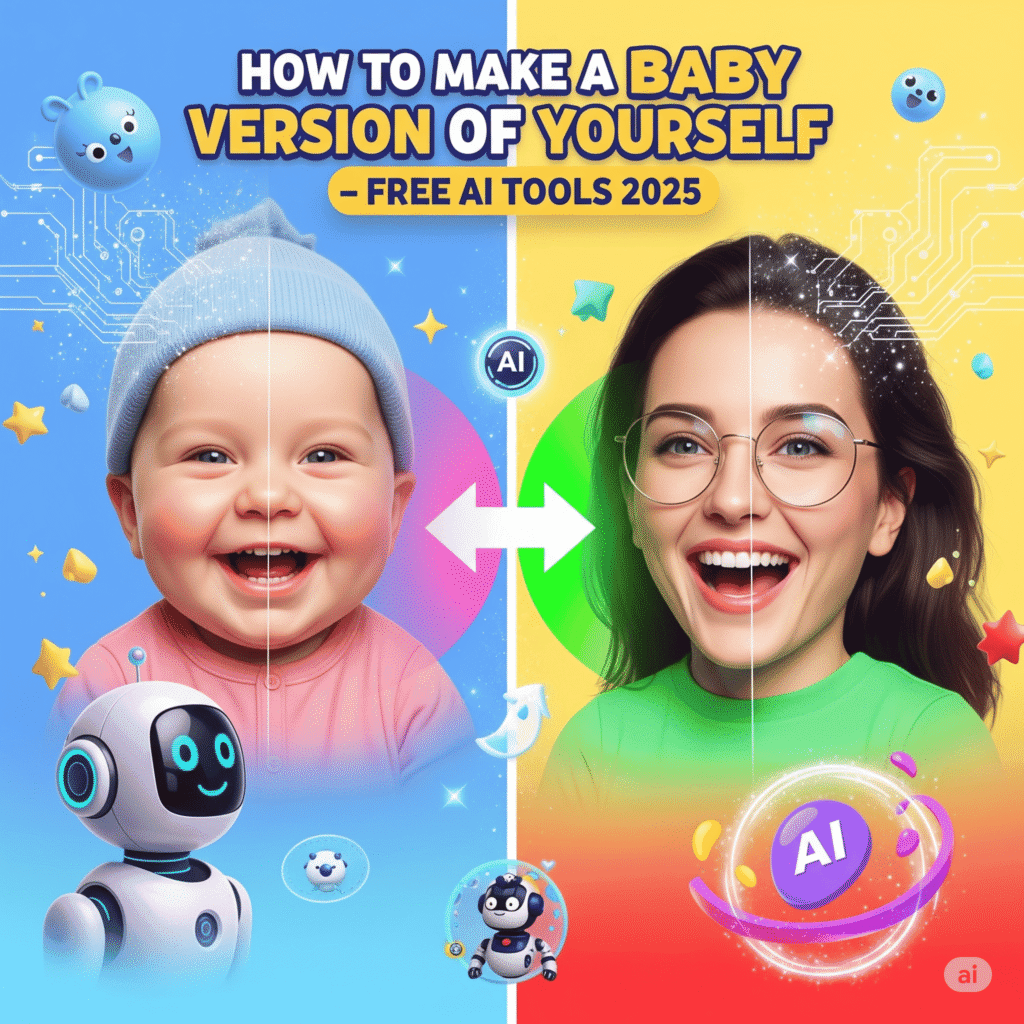
Have you ever wondered what you would look like as a baby? 👶✨
In 2025, one of the cutest viral trends sweeping Instagram, TikTok, and YouTube Shorts is the AI Baby Face Transformation Challenge. Millions of users are turning their selfies and videos into adorable baby versions—perfect for profile pictures, reels, or just for fun.
The best part? You don’t need Photoshop skills or expensive software. With free AI tools and apps, you can generate baby photos and baby-face videos in seconds.
In this guide, we’ll walk you through the best free AI baby generators, step-by-step instructions, caption ideas for social media, and expert tips for getting the most realistic and share-worthy results.
Why AI Baby Face Tools Are Going Viral
Social media thrives on trends that combine fun + shareability + personal creativity. The AI baby transformation trend checks all the boxes:
- ✅ Relatable – Everyone has wondered what they looked like as a baby.
- ✅ Engaging – Friends and followers love reacting to baby versions of you.
- ✅ Viral Potential – Baby-face videos are easy to share and perform well on TikTok, Instagram Reels, and YouTube Shorts.
It’s not just a meme—it’s a clever way creators are gaining views, followers, and engagement.
Best Free AI Baby Face Tools (2025 Edition)
Let’s explore the top apps and websites making this trend possible:
🎨 1. Fotor AI Baby Generator – Best for Baby Photos
🔗 Visit Fotor AI Baby Generator
How it works:
- Upload your selfie
- Let AI transform it into a baby version
- Download instantly
Why Use Fotor:
- Works on both desktop & mobile
- 100% free plan available
- Perfect for profile pictures or fun edits
🎥 2. CapCut AI Baby Face Filter – Best for Short Videos
Steps:
- Download and open CapCut app
- Go to Templates → Search “Baby Face”
- Upload your video
- Apply the filter and export
Why Creators Love It:
- Mobile-friendly and free
- Directly optimized for TikTok, Instagram Reels, and Shorts
- Easy for beginners to use
🖼 3. Remini AI – Best for Realistic Baby Photos
Why it’s popular:
- Creates high-resolution, realistic baby faces
- Works on both Android & iOS
- Offers free daily credits
This tool is ideal if you want lifelike baby photos instead of cartoon-like results.
🎥 4. TikTok Baby Face Filter – Best for Quick Posts
How to use:
- Open TikTok app
- Go to Effects → Search “Baby Face”
- Record your video and share instantly
Advantages:
- No extra apps required
- Instant sharing to your TikTok audience
Perfect for creators who want to join the trend in seconds.
Step-by-Step Guide: Create Your AI Baby Version
For Baby Photos (Fotor or Remini)
- Upload your selfie
- Select AI Baby Generator
- Download the image
- Optional: Edit with Canva or PicsArt for extra cuteness
For Baby Videos (CapCut or TikTok)
- Open the app and search “Baby Face Filter”
- Upload your video or photo slideshow
- Apply the effect
- Export & share on TikTok, Instagram Reels, or Shorts
Caption Ideas for Social Media Posts
Want your baby-face content to go viral? Use catchy, funny, or relatable captions:
- “This is me… as a baby 👶😂 #AIbabyVersion”
- “AI just turned me into the cutest version of myself 😅👶 #BabyFilterChallenge”
- “Not me wishing I was this cute again ❤️ #BabyTransformation”
Adding trending hashtags like #AIbabyVersion #BabyFilterChallenge #AItrend2025 helps boost visibility.
Pro Tips for the Best Baby Transformations
✔ Use a clear, front-facing selfie
✔ Make sure your photo is taken in good lighting
✔ Try multiple tools to see different styles
✔ Use aspect ratios that match your platform (9:16 for Reels/TikTok, 1:1 for Instagram posts)
✔ Add finishing touches with free editors like Canva or PicsArt
Final Thoughts
The AI Baby Face trend in 2025 is more than just fun—it’s a way to express creativity, join viral challenges, and connect with your audience in a playful way. With tools like Fotor, CapCut, Remini, and TikTok filters, you can create baby photos and videos for free in just a few steps.
👉 Now it’s your turn! Try one of these tools today and share your AI baby version with friends. Who knows—you might just start the next viral trend.
Which tool will you try first—Fotor for photos or CapCut for videos? Let me know in the comments!