Introduction: Why AI Image Generators Are Exploding in 2025
In 2025, artificial intelligence has become a true game-changer for digital creativity. From marketers and bloggers to hobbyist artists and entrepreneurs, AI image generators are making it possible to create professional-quality visuals in just a few clicks — without expensive design software or advanced skills.
With demand for high-quality content across platforms like Instagram, TikTok, YouTube, and blogs, visuals are more important than ever. But hiring designers or purchasing stock photos can be costly and time-consuming. That’s where free AI art tools step in.
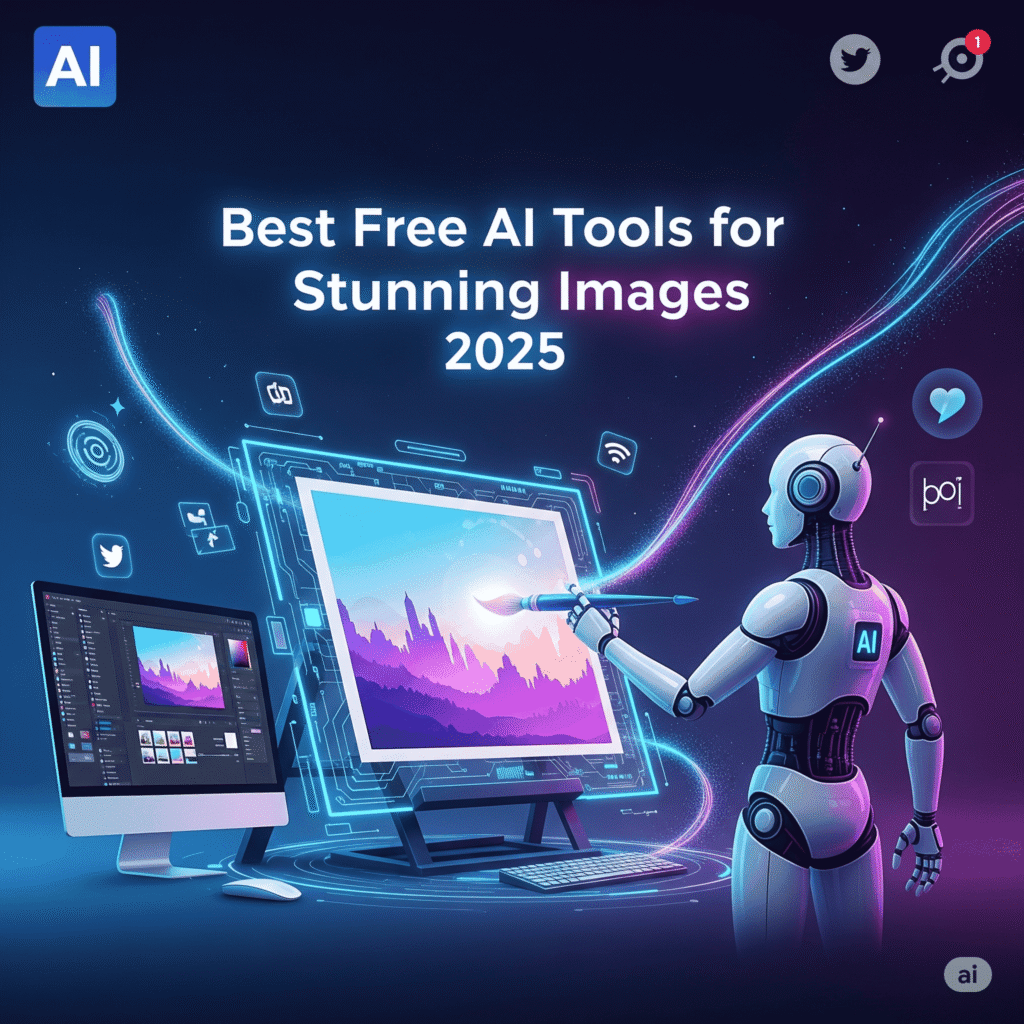
In this guide, we’ll explore the top trending AI image generators in 2025 that are free to use, along with pro tips for creating stunning, viral-ready images.
🚀 1. Bing Image Creator (Powered by DALL·E 3)
Why It’s Trending:
Microsoft’s Bing Image Creator runs on OpenAI’s DALL·E 3, delivering detailed, creative, and often jaw-dropping results. It’s completely free for anyone with a Microsoft account, making it one of the most accessible AI art platforms today.
Key Features:
- Ultra-detailed, realistic image generation
- Free to use with no hidden costs
- Works perfectly for blog visuals, social media posts, and creative projects
Use Case Example: A blogger can generate unique featured images for every post without spending on stock photo licenses.
🚀 2. Leonardo AI — Stunning Artwork & Game Assets
Why Creators Love It:
Leonardo AI stands out for its cinematic art style and ability to produce game assets, character designs, and book covers. With daily free credits, it’s a favorite among indie game developers and authors.
Key Features:
- Free tier with daily usage credits
- Exceptional fine-tuning for custom styles
- Ideal for branding, fantasy art, and entertainment projects
Use Case Example: A freelancer can design unique game characters or fantasy illustrations for clients without hiring a professional illustrator.
🚀 3. Playground AI — Fast & Easy Image Editing
Why It’s Going Viral:
Unlike other generators, Playground AI is not just about creating images — it’s also about editing them. Users can upload photos, remove elements, or enhance them using AI-powered brushes.
Key Features:
- Free for up to 500 images/day
- Inpainting tools for editing or retouching
- Great for e-commerce product photos and ad creatives
Use Case Example: An online seller can quickly create professional product shots and marketing visuals without a photographer.
🚀 4. Lexica Art — Photorealistic AI Images
Why People Use It:
Lexica is known for photorealism. It’s ideal for creators who need images of people, objects, or places that look like real photographs. It also provides a massive prompt library to help beginners.
Key Features:
- Free daily credits
- Best for stock photo alternatives
- Extensive community prompt library for inspiration
Use Case Example: A marketer can generate authentic-looking lifestyle photos to use in ad campaigns without buying stock photos.
🚀 5. Fotor AI — Quick AI Image Creation
Why It’s Great for Beginners:
Fotor combines AI image generation with photo editing tools. From background removals to AI touch-ups, it’s perfect for quick, polished visuals.
Key Features:
- Beginner-friendly interface
- Free credits for AI images
- Multiple styles: realistic, cartoon, digital art
Use Case Example: A small business owner can create polished promotional images for Instagram and Facebook ads in minutes.
🎯 Bonus Free AI Image Tools in 2025
| Tool | Best For | Free Tier |
|---|---|---|
| NightCafe | Artistic styles & community use | Yes |
| BlueWillow | Community-driven AI art | Yes |
| Craiyon | Fun, quick sketches & doodles | Yes |
These are excellent backups when your main tool has usage limits.
💡 Pro Tips for Creating Stunning AI Images
To maximize the quality of your AI-generated visuals:
✔ Write descriptive prompts — Include details about lighting, angles, style, and mood.
✔ Use aspect ratios — Example: 16:9 for YouTube thumbnails, 9:16 for Reels, 1:1 for Instagram.
✔ Combine AI with editing tools — Touch up images in Canva, Photoshop, or Lightroom for extra polish.
✔ Experiment with styles — Try cinematic, anime, surreal, or photorealistic prompts to stand out.
📌 Final Thoughts: Unlock Your Creativity with AI
AI image generators in 2025 are not just tools — they’re creative partners. Whether you’re a blogger needing custom visuals, a marketer building ad campaigns, or simply a hobbyist exploring digital art, these platforms open endless possibilities.
Best of all, they’re free to use, so you can experiment without financial risk.
👉 Start with Bing Image Creator for all-purpose use, Leonardo AI for artistic projects, and Playground AI if you need editing features.
Now it’s your turn — which AI image generator will you try first? Share your thoughts in the comments below!